
How to Tell if Light Switches are On or Off
A comprehensive guide to understanding switch positions and indicators
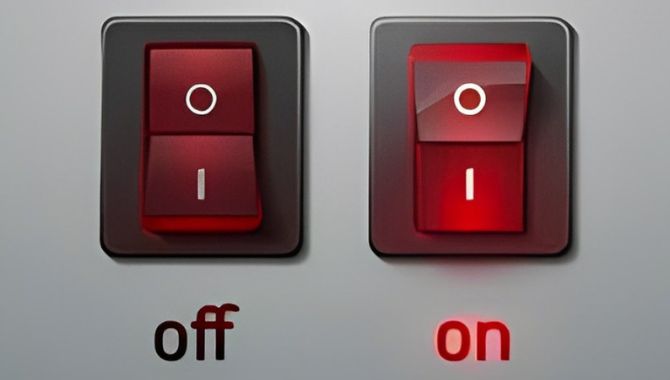
Visual Position Indicators
- Toggle switches: UP position typically means ON, DOWN means OFF
- Rocker switches: Pressed side indicates the current state
- Push-button switches: May have different visual or tactile feedback

Markings and Labels
- Look for "ON" and "OFF" markings on the switch body
- International symbols: "|" for ON, "O" for OFF
- Color coding: Green often indicates ON, Red indicates OFF
Common Switch Types and Their Indicators
Toggle Switches
Traditional lever-style switches
• UP = ON (circuit closed)
• DOWN = OFF (circuit open)
Rocker Switches
Wide, flat switching surface
• Pressed side shows state
• Often has ON/OFF markings
Push-Button Switches
Press to activate/deactivate
• May have LED indicators
• Tactile feedback varies
LED and Illuminated Indicators
Green light typically indicates ON state
Red light may indicate OFF or standby state
Blue/white lights often show switch location in dark
Safety Considerations
Important Safety Tips:
• Always turn OFF power at circuit breaker before electrical work
• Use a voltage tester to confirm power is off
• Never assume switch position indicates actual power state
• Consult a qualified electrician for complex installations
Need Professional Switch Solutions?
Goboll Electronics offers high-quality switches with clear ON/OFF indicators